
What "Hands-Free Streaming" Actually Means Today
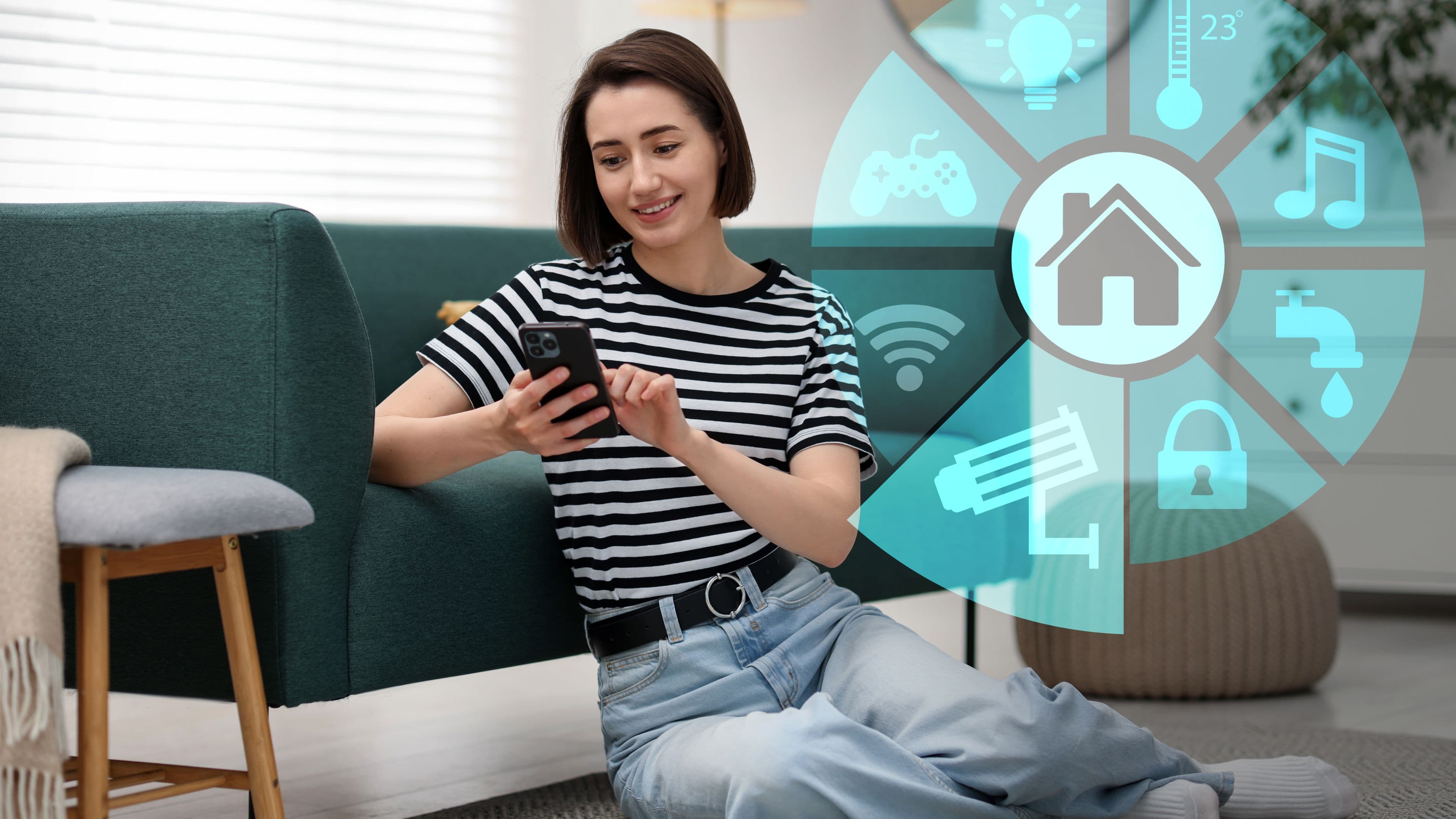
Hands-free streaming isn't just about turning your TV on with your voice, though that's part of it. It covers a range of automations: voice commands that launch a specific app and search for content in one step, smart home routines that dim your lights and switch your TV to streaming mode simultaneously, and integrations that let your streaming device respond to signals from other smart home devices without you touching a remote at all.
The technology behind this has matured significantly over the past few years, moving from clunky, limited voice commands to genuinely useful integrations that handle multi-step actions reliably.
Voice Assistants as the Entry Point
Most hands-free streaming setups start with a voice assistant – Amazon Alexa, Google Assistant, or Apple's Siri, depending on your existing device ecosystem. If your streaming device or smart TV supports voice control natively, which most current-generation models do, you can typically say something like "turn on Netflix and search for [show]" and have both actions happen without touching a remote.
Setup for most current smart TVs and streaming sticks involves simply enabling voice control in the device settings and linking it to your preferred voice assistant account, a process that typically takes under ten minutes. The main limitation is device compatibility – older streaming devices or budget smart TVs sometimes only support basic on/off voice commands rather than the more advanced app-launching and search integration available on newer models.
Building Automated Scenes for Streaming
Beyond basic voice commands, smart home platforms let you build "scenes" that combine multiple actions into a single trigger. A common example is a "movie night" scene that simultaneously dims your smart lights, closes smart blinds if you have them, turns on your TV, and switches to your streaming app of choice, all activated by a single voice command or a tap in your smart home app.
Setting this up typically requires your lighting, TV, and any other integrated devices to be connected to the same smart home platform, whether that's Google Home, Amazon Alexa, Apple Home, or a third-party hub like SmartThings. Once everything is on the same platform, most apps provide a straightforward scene-builder interface where you select which devices participate and what state each should switch to when the scene activates.
Motion and Presence-Based Automation
A more advanced layer of hands-free streaming uses motion sensors or presence detection to trigger automations without any voice command or manual action at all. Some setups use a smart plug connected to a couch-adjacent motion sensor to automatically turn on ambient lighting when you settle in to watch something, or use a smartphone's location data to trigger a "welcome home" scene that includes turning on your TV and streaming app as you walk in the door.
This level of automation requires more setup than basic voice control and depends on your specific smart home ecosystem's support for presence-based triggers, but it represents the most genuinely hands-free version of this trend, since it requires no direct interaction with any device at all.
Real Limitations Worth Knowing About
Voice-controlled search within apps still has real accuracy limitations, particularly for less common or foreign-language titles, where a voice assistant might mishear or fail to find the specific content you're asking for. In these cases, falling back to remote-based navigation for that specific search is still sometimes necessary, even in an otherwise well-integrated setup.
Cross-platform compatibility is another practical constraint. A household with a mix of Amazon Echo devices, a Google Nest hub, and an Apple TV may find that not every automation works seamlessly across all three ecosystems, since some smart home integrations are ecosystem-specific rather than universal. Checking device compatibility before investing heavily in a specific smart home platform saves frustration later.
Realistic Setup Cost and Effort
If you already own a compatible smart TV or streaming device along with a smart speaker, basic voice-controlled streaming requires no additional purchase at all – just linking accounts in your device settings. Building out fuller scene-based automation typically requires smart lighting ($30 to $80 for a starter kit) and potentially a smart plug or two ($10 to $25 each) if you want to include devices that aren't natively smart. Motion or presence-based automation adds sensors, typically $20 to $40 each, for the most hands-free version of this setup.
What to Avoid
Don't buy into a specific smart home ecosystem's exclusive product line before confirming it plays well with the streaming devices you already own – cross-compatibility issues are one of the most common frustrations in building out a hands-free streaming setup. Avoid overcomplicating your first automation attempt with too many combined actions; start with a simple two-step scene and build complexity once you've confirmed the basics work reliably. And be mindful of voice assistant privacy settings, since always-listening devices raise legitimate privacy considerations worth reviewing in your specific device's settings before fully committing to a voice-first streaming setup.
Frequently Asked Questions
Do I need a smart TV to set up hands-free streaming? No – a streaming stick or box with voice assistant support, like a recent Fire TV Stick or Google Chromecast with Google TV, provides most of the same voice control functionality even on an older, non-smart TV.
Can I use hands-free streaming across multiple streaming services? Yes, most voice assistants support cross-app search and launching, though the depth of integration varies by which specific apps and voice assistant you're using together.
Is hands-free streaming setup expensive? Basic voice control is typically free if you already own compatible devices; fuller scene-based automation with smart lighting and sensors typically adds $50 to $150 depending on how extensive you want the setup to be.
📚 Sources
Google – "Google Home Help: Set up routines" – https://support.google.com/googlenest/
Amazon – "Alexa Smart Home Skills" – https://www.amazon.com/alexa-smart-home